Regenerate Assets
Regeneration is supported for Video, Enage, and Social Assets.
Use AI to modify your content to meet the needs
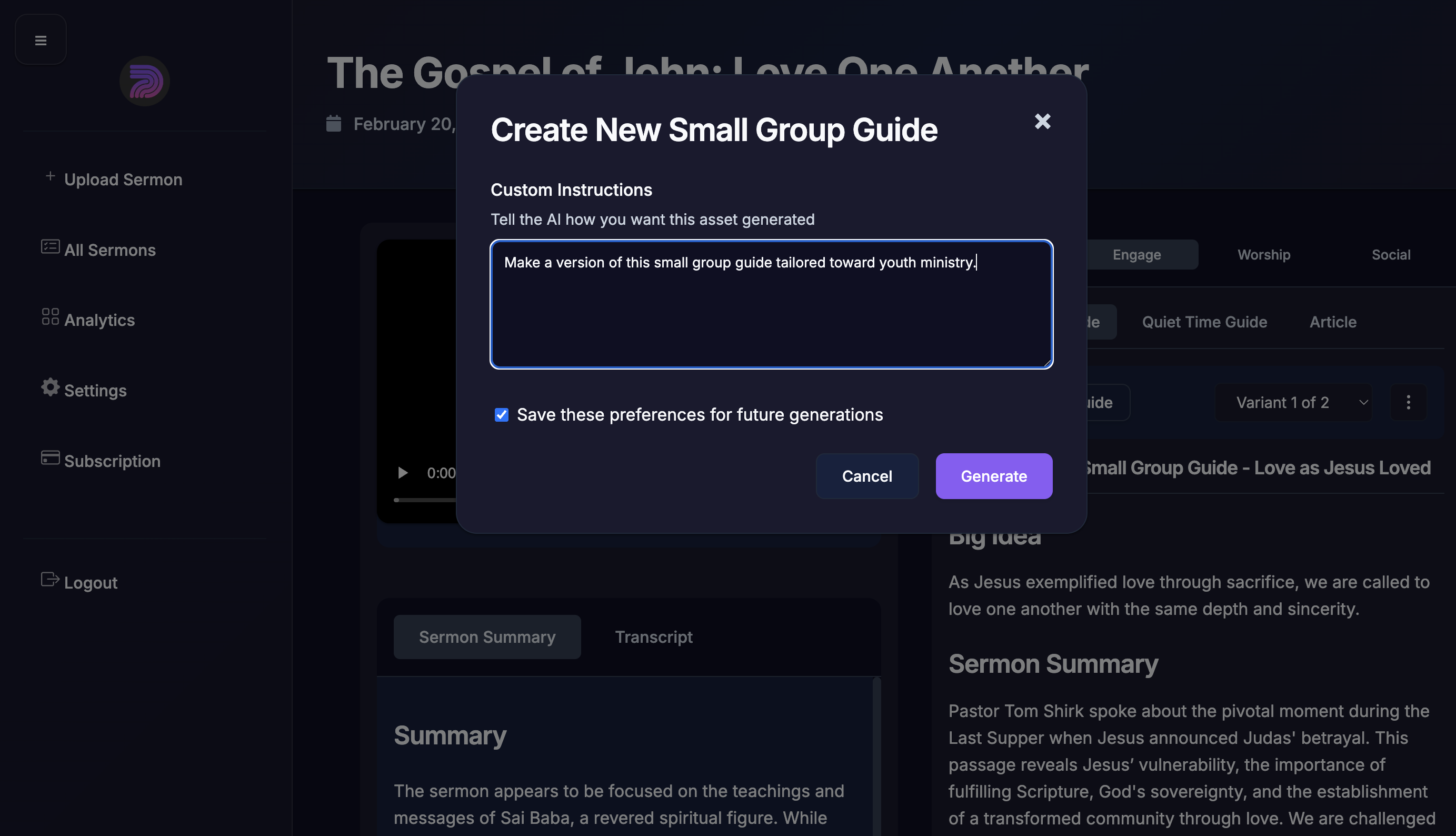
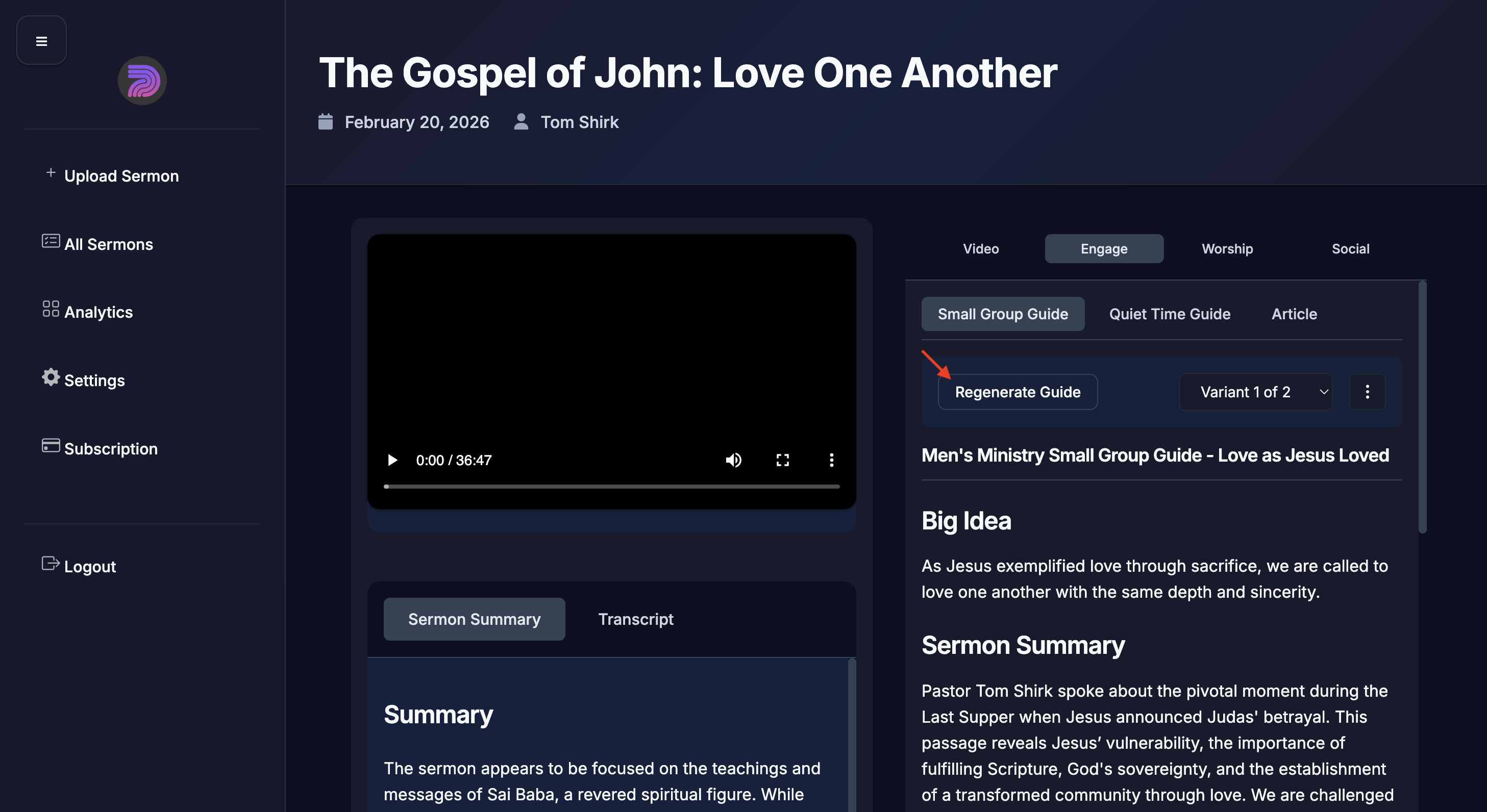
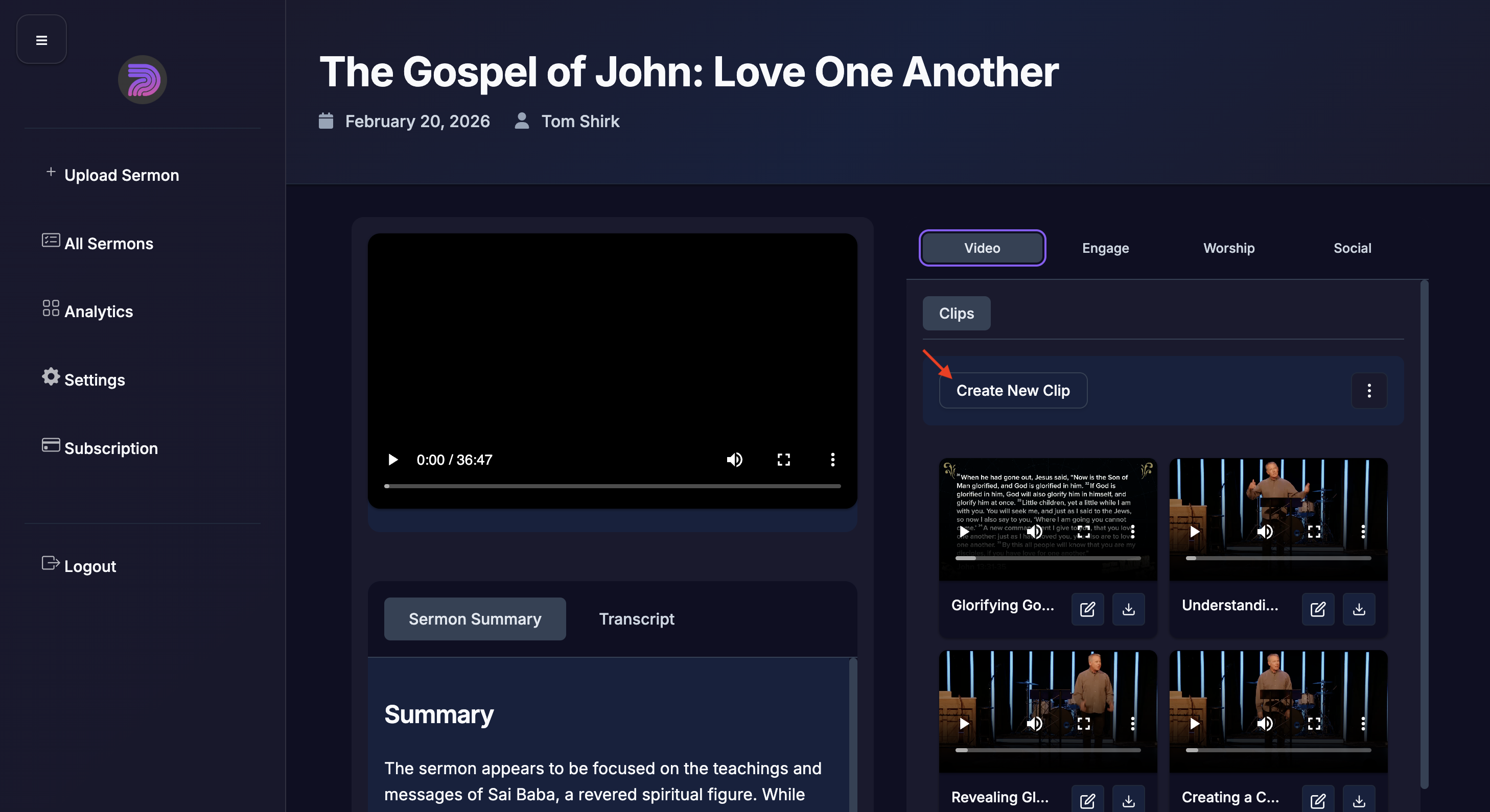
- Click "Regenerate" or "Create New Clip" (varies based on the tab).
- Write how you want the asset to change. For example write, "I want a new version of this small group guide tailored to for youth ministry."
- Optionally, you can click to Save Preferences to store this preferences for future generated assets on other sermons.
- The asset will be generated and added to your sermon detail page.
Examples of how to generate a new asset for videos and for small group guides.
Example of the type of message you might write. Check the box to save these instructions to your AI preferences for future assets that are generated.