Trimming Clips
Sometimes you need to make quick adjustments to the start and end times of a video. Trimming allows you to quickly do that.
Open up the quick edit modal, select Advanced Settings, and open Trim.
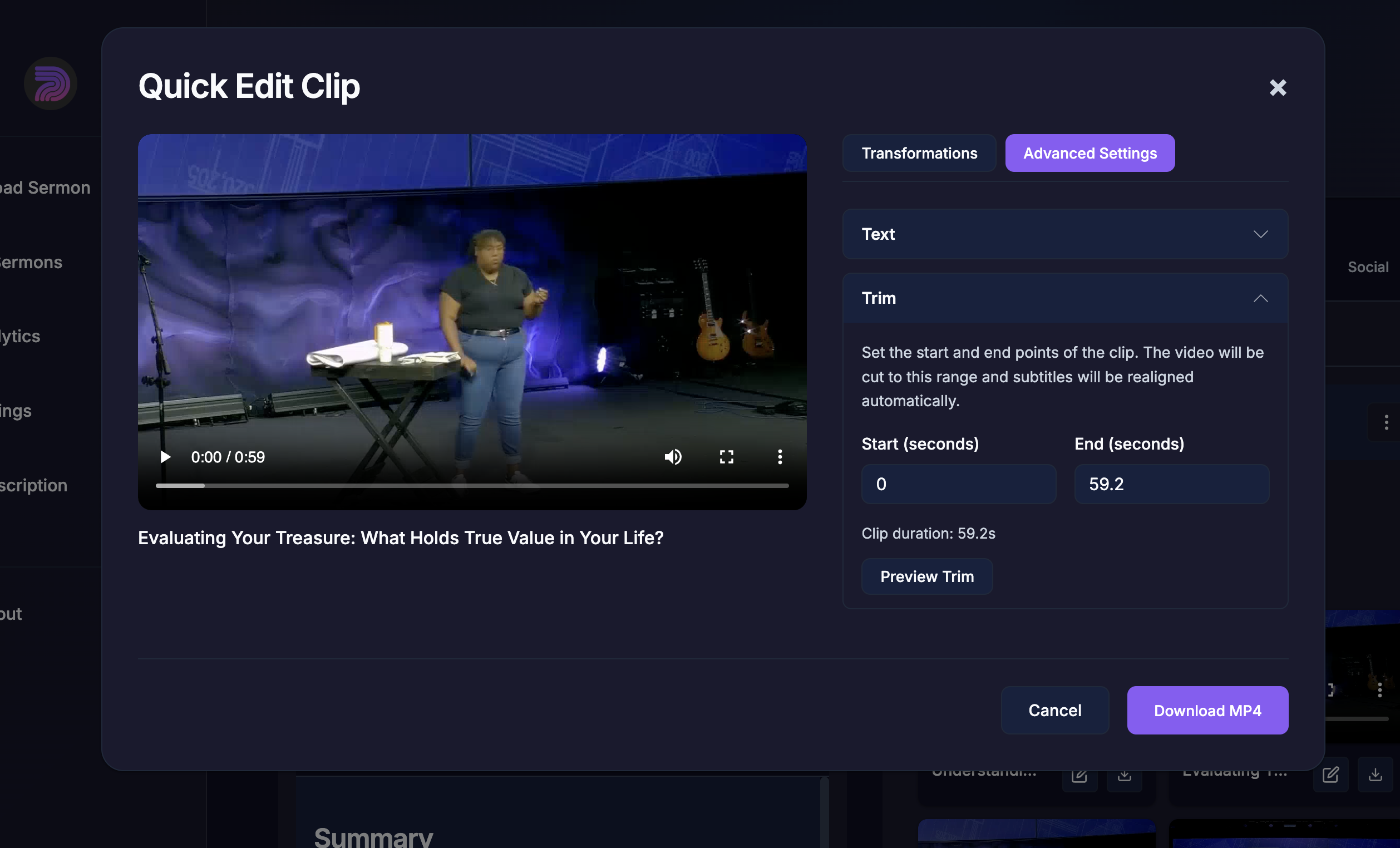
Input a start and end time and click Preview Trim. The video player will play the trimmed video. You can put in decimal values into the start and end time to fine to the start and end times.
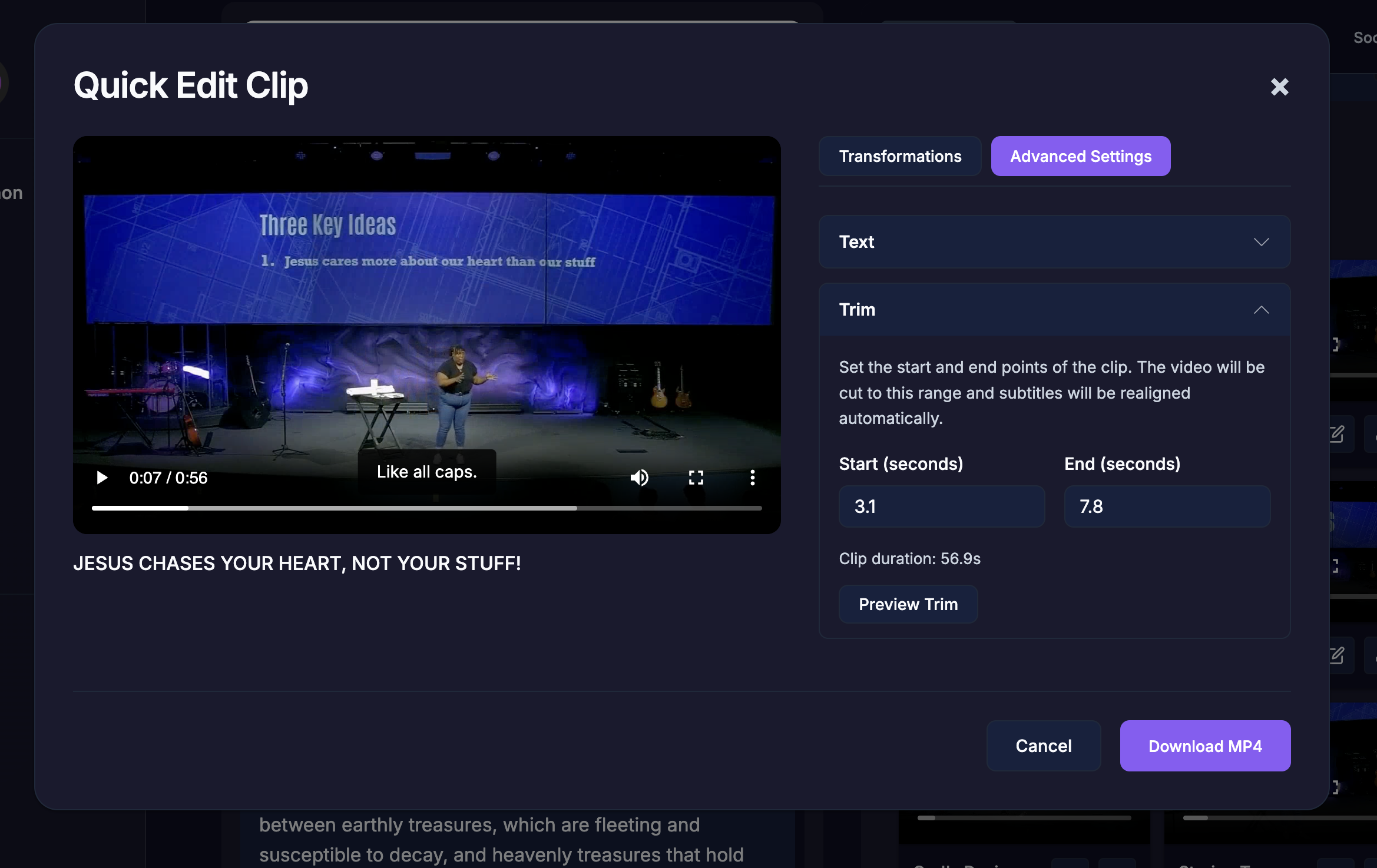
When you are ready, click download MP4.