Your AI Generation Preferences
There are two ways to manage your preferences to tune your assets to better match the tone and preferences for your congregation.
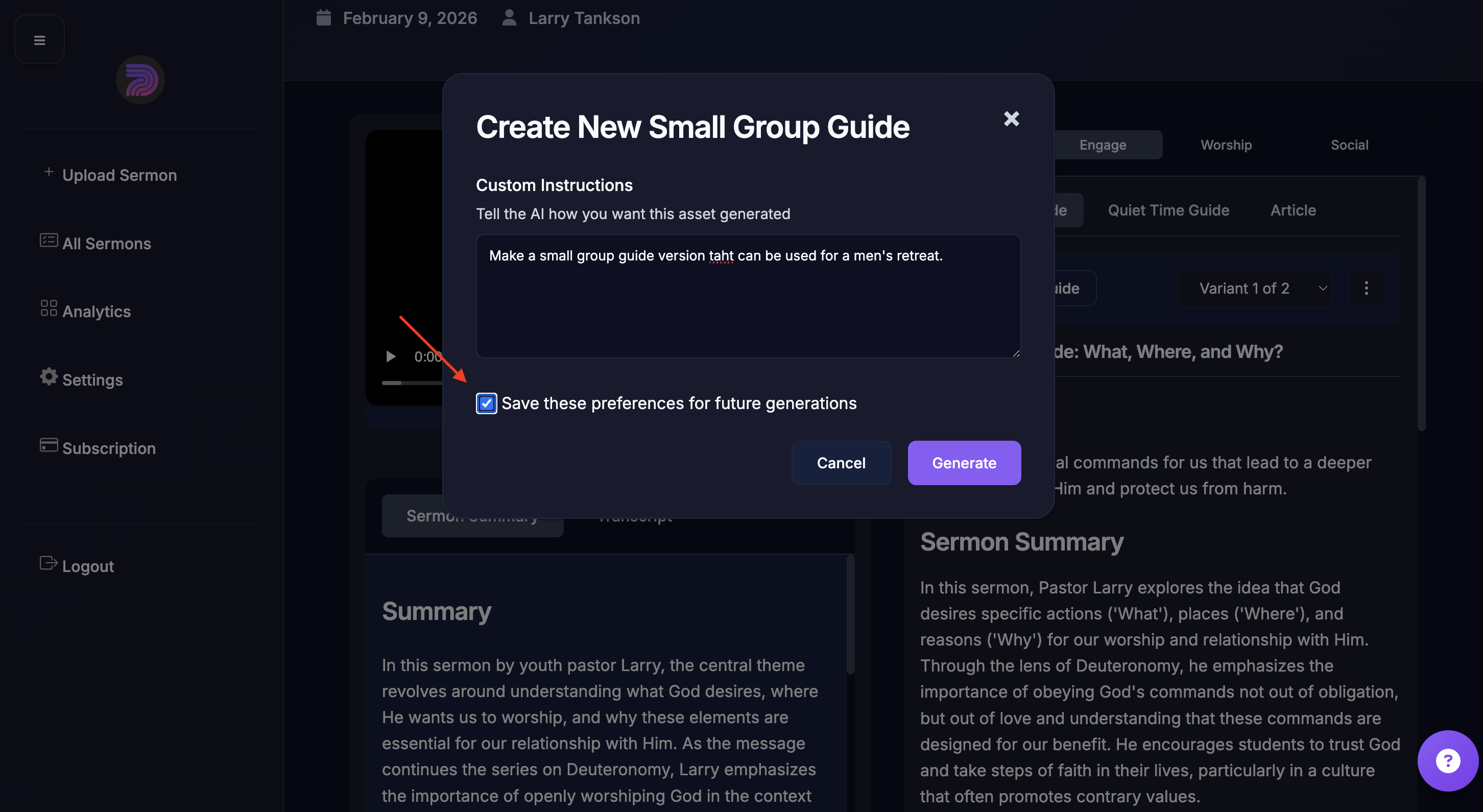
- Save Preferences on the Fly: When you create a new variant of an asset, you can check a box that says "save for future generations". This will be used to tune your AI outputs for this asset type for all future sermons you upload.
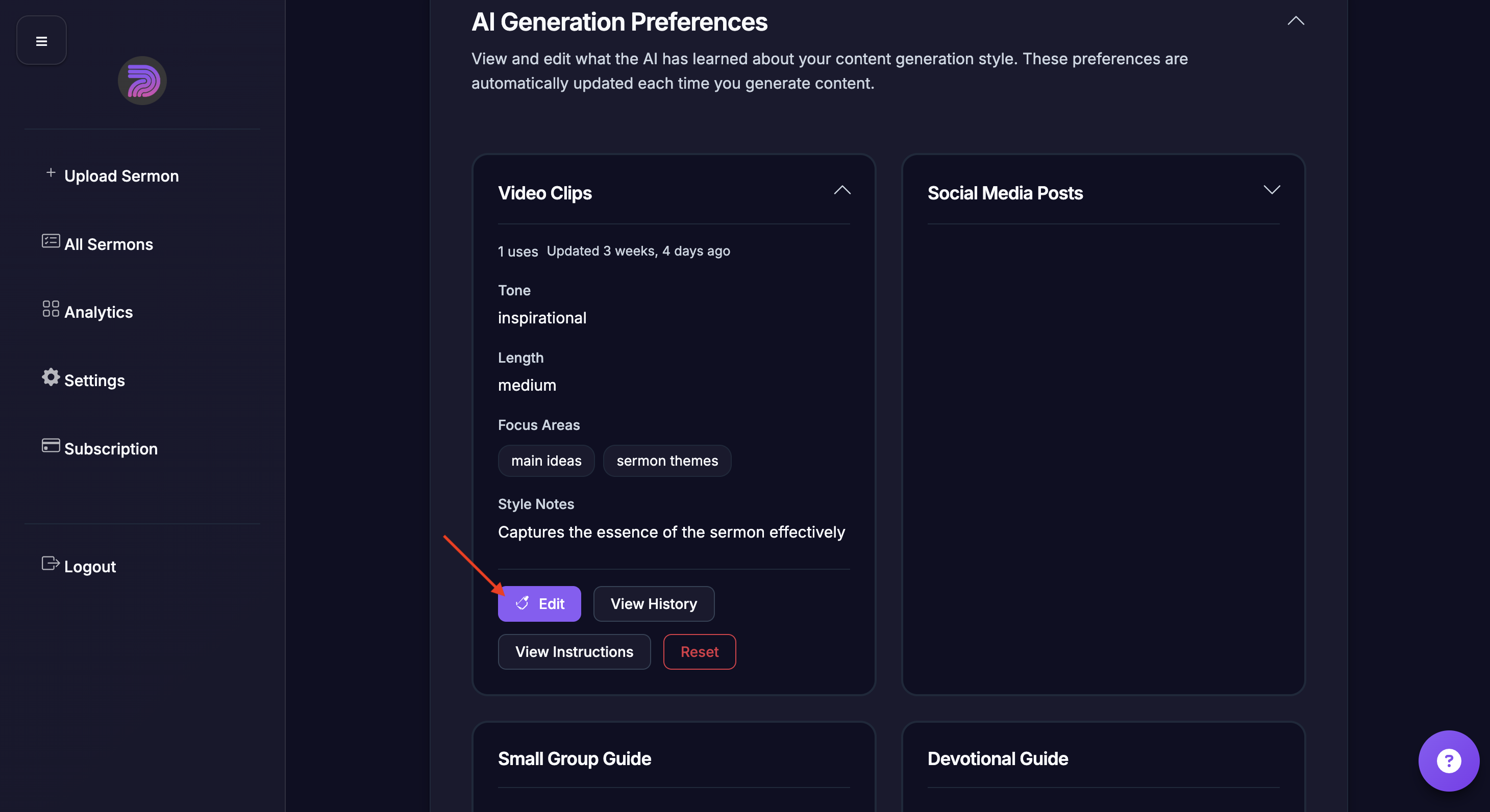
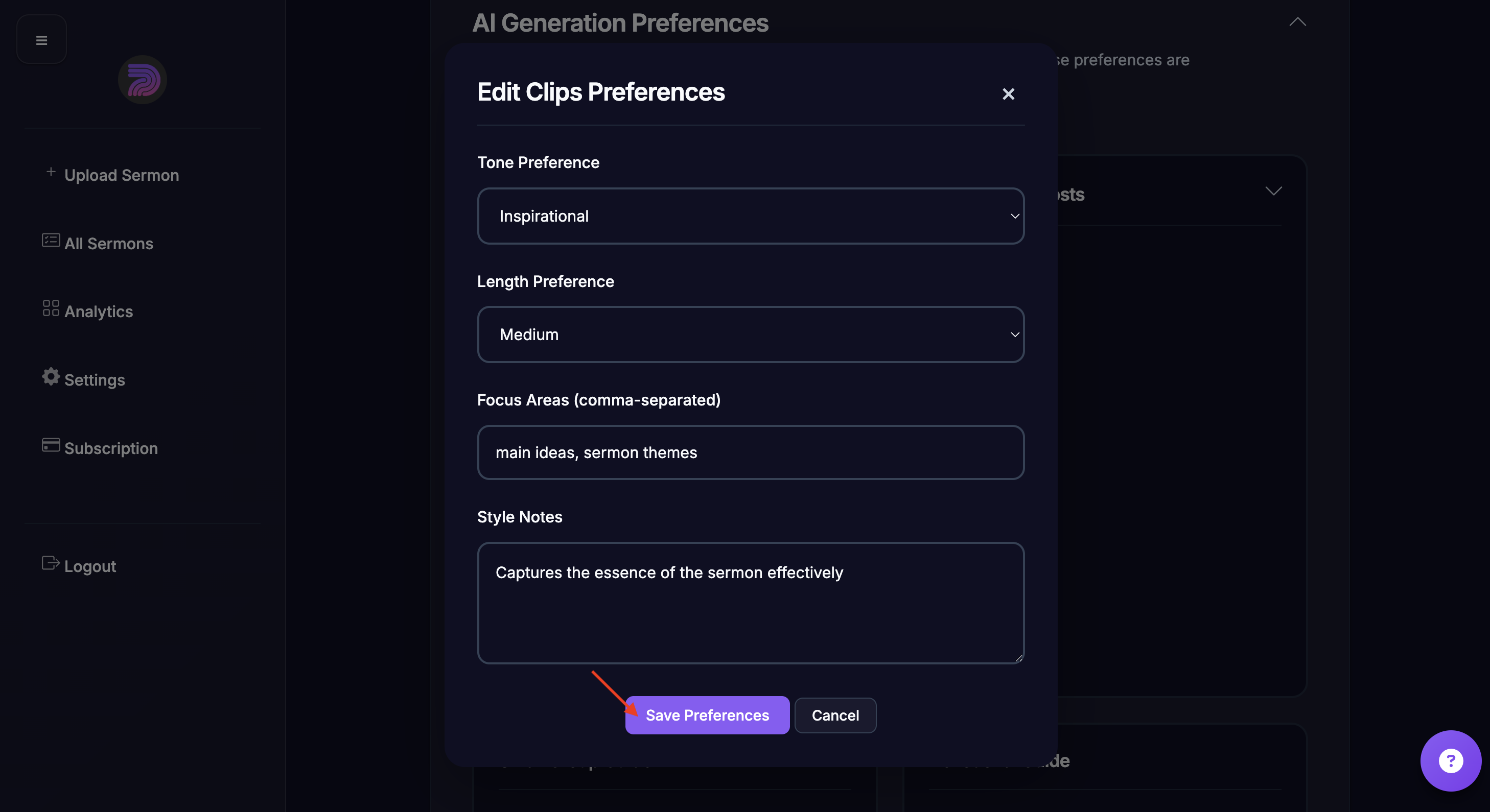
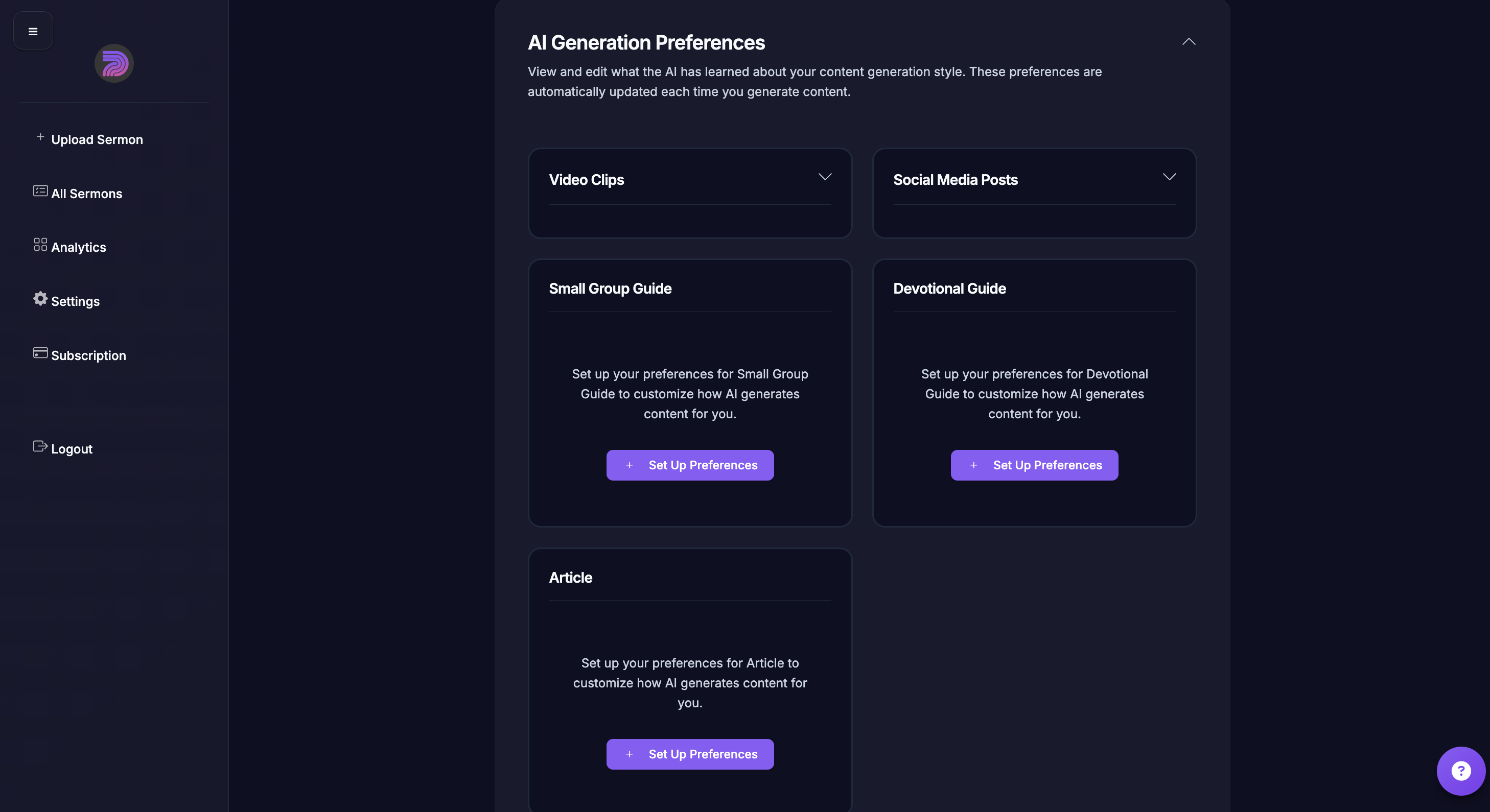
- Manage Preferences Directly: In Settings, go to AI Generation Preferences. You can update your AI preferences directly here for more explicit control over your preferences.
- Preferences are captured through things like tone, length, focus area, and style notes to guide future content creation for that asset type.